
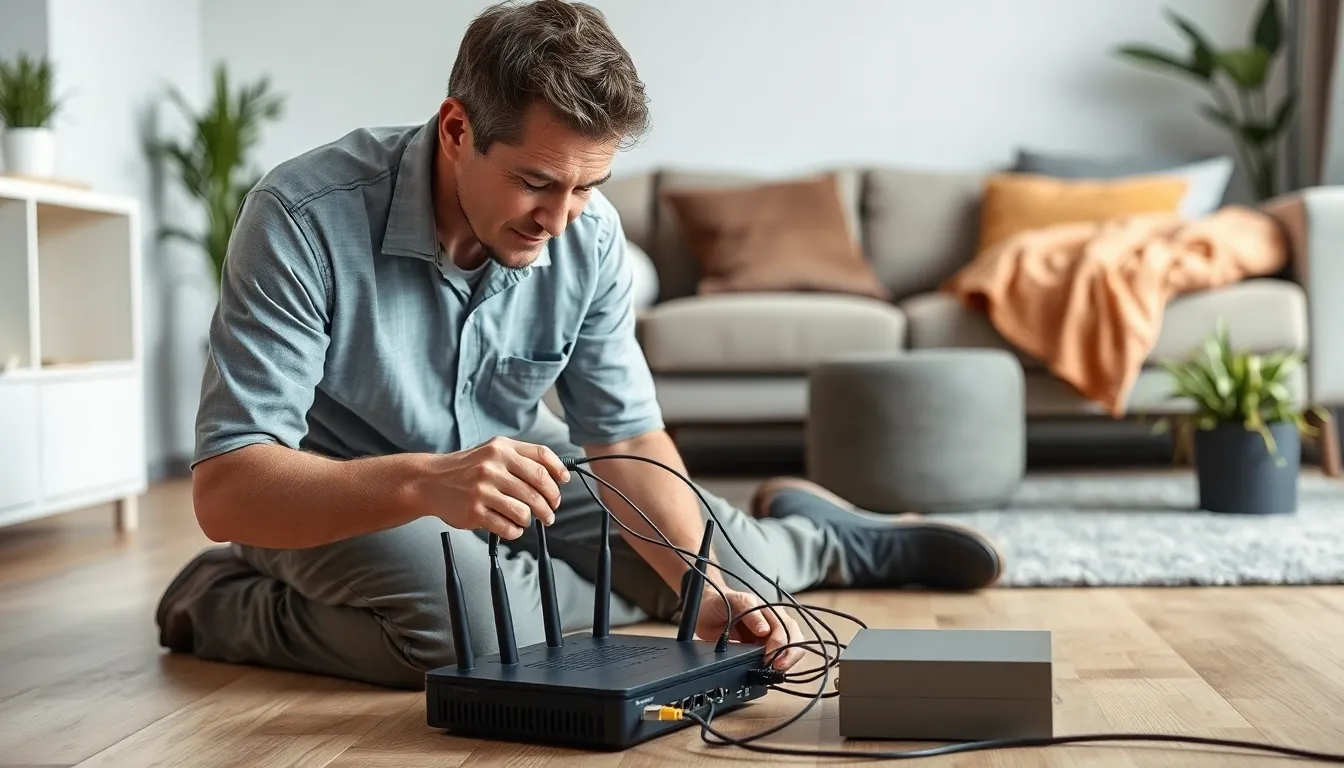
In today’s digital age, a strong home network isn’t just a luxury; it’s a necessity. Imagine streaming your favorite show while your kids game online and your partner works from home—all without a hitch. Sounds like a dream, right? Well, it’s time to turn that dream into reality with a seamless home networking installation.
But let’s be real—setting up a network can feel like trying to solve a Rubik’s Cube blindfolded. With the right guidance, though, it can be as easy as pie. From choosing the perfect router to optimizing your Wi-Fi signal, a well-planned home network can make your life easier and your home smarter. So why not dive in and discover how to transform your connectivity woes into a smooth, reliable experience?
Understanding Home Networking Installation
Home networking installation involves several key components that contribute to a reliable online experience. First, selecting the right router plays a crucial role. Routers vary by capabilities, ranging from basic models suitable for small homes to high-performance units for larger spaces with multiple devices.
Next, understanding Wi-Fi signal strength matters. A strong signal is essential for seamless streaming and gaming. Using Wi-Fi extenders or mesh systems can enhance coverage throughout the home. Extenders increase range, while mesh systems provide a unified network, eliminating dead zones.
Cabling also impacts the network’s performance. Ethernet cables deliver faster speeds and stability compared to wireless connections. Installing network cables can create a robust backbone for devices that require consistent connectivity, like gaming consoles or smart TVs.
Network security can’t be overlooked. Implementing features like WPA3 encryption and regularly updating firmware helps protect against cyber threats. Setting unique passwords strengthens an individual’s defense against unauthorized access.
Lastly, it’s vital to regularly monitor network performance. Using tools or apps that analyze speed, device connections, and bandwidth usage provides insights into potential improvements. Identifying any issues allows timely adjustments, ensuring optimal network functionality.
Essential Components for Home Networking

A reliable home network relies on several essential components. Understanding these key elements simplifies the installation process and enhances connectivity.
Routers and Modems
Routers and modems serve vital roles in home networking. A modem connects the home to the internet, while a router distributes that connection to multiple devices. Basic routers suffice for small homes, but larger spaces benefit from high-performance models. Users find dual-band routers offer flexibility, allowing simultaneous connections on both 2.4 GHz and 5 GHz bands. Choosing a modem that complements the internet service provider’s offerings ensures optimal performance. A combination device known as a gateway also exists, merging modem and router functionality into one unit for convenience.
Switches and Access Points
Switches and access points enhance network performance and coverage. A switch connects multiple devices within a local network, managing data traffic effectively. In contrast, access points extend Wi-Fi coverage to areas too far from the router. For larger homes, adding one or more access points ensures seamless connectivity across all rooms. High-capacity switches can handle increased traffic from smart devices and home automation systems. Opting for PoE (Power over Ethernet) switches simplifies installations by powering devices through the Ethernet cable, eliminating the need for additional outlets. These components together create a robust, efficient home network system.
Planning Your Home Network
Planning a home network involves understanding specific needs and selecting the appropriate configuration. Proper preparation leads to better connectivity and overall performance.
Assessing Your Networking Needs
First, determine how many devices require a connection. Each device, from smartphones to smart TVs, adds to the overall demand on the network. Next, consider usage patterns. High-definition streaming or online gaming necessitates a faster connection. Then, evaluate the areas where the Wi-Fi signal must reach. Identifying dead spots helps in selecting appropriate solutions for coverage. Lastly, think about future needs. New devices may join the network, so planning for scalability ensures lasting satisfaction.
Choosing the Right Layout
A well-organized layout enhances network efficiency. Begin by placing the router in a central location to optimize signal distribution. Walls and obstacles can weaken the signal, so minimizing interference is crucial. For larger spaces, consider adding Wi-Fi extenders or wireless access points to boost coverage. Positioning switches in strategic locations helps manage data traffic between devices effectively. Finally, take advantage of a wired connection for devices needing high reliability, such as desktops or gaming consoles. This combination of strategies creates a robust and efficient layout for a home network.
The Installation Process
Installing a home network involves a series of methodical steps to ensure optimal performance. Understanding these steps simplifies the process.
Step-by-Step Guide
- Assess connectivity needs based on the number of devices and usage habits.
- Choose a suitable router, considering factors like range and speed.
- Connect the modem to the router using an Ethernet cable.
- Position the router centrally to enhance signal distribution.
- Implement security measures like WPA3 encryption to protect the network.
- Utilize Ethernet cables for devices requiring stable connections.
- Consider adding Wi-Fi extenders or access points for larger homes.
- Conduct a speed test to evaluate performance and make adjustments as necessary.
Common Challenges and Solutions
Home networking installation presents various challenges. Interference from walls or nearby electronics often disrupts signals. Positioning the router centrally typically mitigates this issue. Additionally, dead zones result from inadequate coverage, which can be solved by deploying Wi-Fi extenders. Network security is another concern; using WPA3 encryption alongside routine firmware updates significantly enhances safety. For devices needing steady connections, Ethernet cables are a recommended solution. Lastly, monitoring network performance helps quickly identify and resolve speed and bandwidth issues.
Testing and Optimizing Your Network
Testing network performance ensures that users enjoy a reliable online experience. Begin by running speed tests with tools like Ookla or Fast.com. Measure download and upload speeds, then compare results to your internet plan’s expected speeds.
Identifying dead zones in the home proves essential. Use an app like NetSpot or Wi-Fi Analyzer to visualize signal strength. Coverage gaps indicate areas needing improvement, which could involve relocating the router or adding extenders.
Evaluating device connectivity helps pinpoint issues. Check each device’s connection quality and bandwidth usage. Slow speeds on specific devices may require troubleshooting, such as updating drivers or moving closer to the router.
Optimizing Wi-Fi settings significantly enhances network efficiency. Adjust channel settings to minimize interference from neighboring networks. Dual-band routers allow switching between 2.4 GHz and 5 GHz bands, optimizing speeds for various devices and uses.
Implementing Quality of Service (QoS) features prioritizes bandwidth for critical applications. Assign higher priority to activities like gaming or streaming. This prioritization ensures smoother performance during peak usage times.
Monitoring network performance regularly maintains optimal functionality. Check for firmware updates frequently, as these improve security and performance. Utilize insights from monitoring tools to manage data traffic effectively and sustain reliable connections.
Making adjustments based on data helps manage network load. Distributing devices across bands or scheduling heavy usage times optimizes overall performance. Apply changes in response to ongoing analysis for continuous improvement.
A well-installed home network is essential for navigating today’s digital landscape. By understanding the components and following best practices, anyone can create a reliable and efficient system that meets their needs.
Regular monitoring and adjustments ensure that the network remains optimized for performance. With the right setup and ongoing attention, users can enjoy seamless connectivity for streaming, gaming, and remote work. Investing time in the installation process pays off in enhanced digital experiences.


